
Signing in
How to sign in. Shopify emails you a one-time code each time, no password needed.
Sign-in is passwordless. Each time you sign in, Shopify emails a fresh 6-digit code to your business email.
Click Sign In. From bellamontepro.com, click Sign In in the top right.

marketing homepage with the Sign In button in the top nav Continue with Shopify. On the sign-in page click Sign In with Shopify. Shopify takes over from here on a secure page they host.
BellamontePro Sign In page with the Sign In with Shopify button Enter your email. Type the business email tied to your salon. Click continue. Shopify emails a 6-digit code to that address within a few seconds. [Screenshot: Shopify-hosted email entry screen]
Type the code. Open the email from Shopify, copy the 6-digit code, paste it on the sign-in screen. The code is good for a few minutes; if it expires, request a fresh one. [Screenshot: Shopify-hosted code entry screen]
You're in. Once verified you're sent back to bellamontepro.com on your dashboard. Stay signed in on the same device for 30 days.
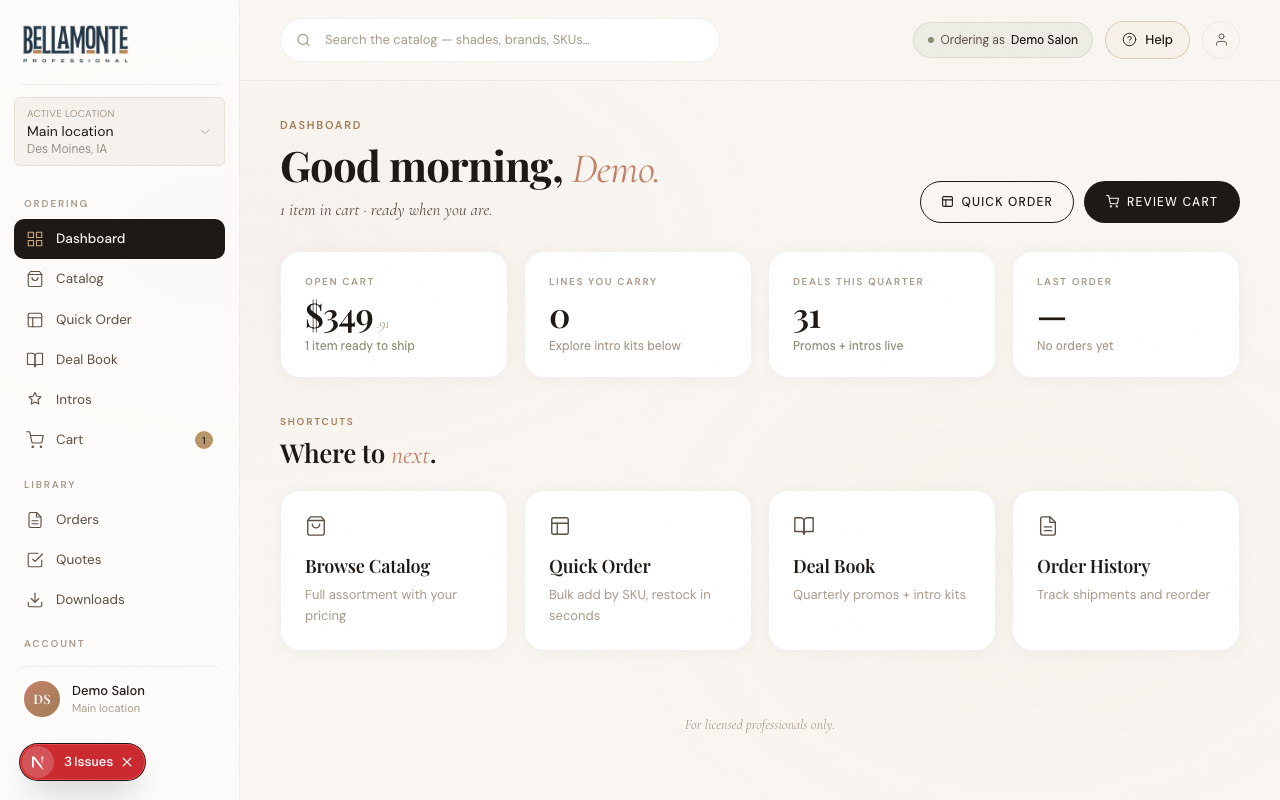
dashboard home view immediately after sign in Didn't get the code? Check spam. Search for "Shopify" or your salon email. If still missing after a few minutes, click Send a new code on the entry screen. [Screenshot: code entry screen with the resend code link]
Tip: Each teammate signs in with their own email; everyone gets their own code. If staff need access, see "Managing your team" to invite them.